Pyramidion Password Manager
Pyramidion is a password manager built to store your passwords, secure notes, two-factor codes, and cryptographic keys in an encrypted vault on your own device. There's no account to create and no server holding your data. One master password unlocks everything — unlock day to day with Face ID, Touch ID, or a PIN, and let the app lock itself the moment you set it down. Built-in tools generate strong passwords and memorable passphrases, organize items with tags and favorites, and keep an encrypted backup you can restore from if your phone ever disappears.
Your passwords belong on your device, not on someone's server.
Pyramidion is a password manager with a simple premise: your vault stays with you. There's no account to sign up for and no company database holding your logins. Everything is encrypted on your device with a key derived from your master password — a password only you know, and one Pyramidion never stores.
One password unlocks everything Create a master password once. After that, unlock with Face ID, Touch ID, or a PIN. The app locks itself after a period of inactivity and can lock the moment you switch away from it, so a vault left open doesn't stay open.
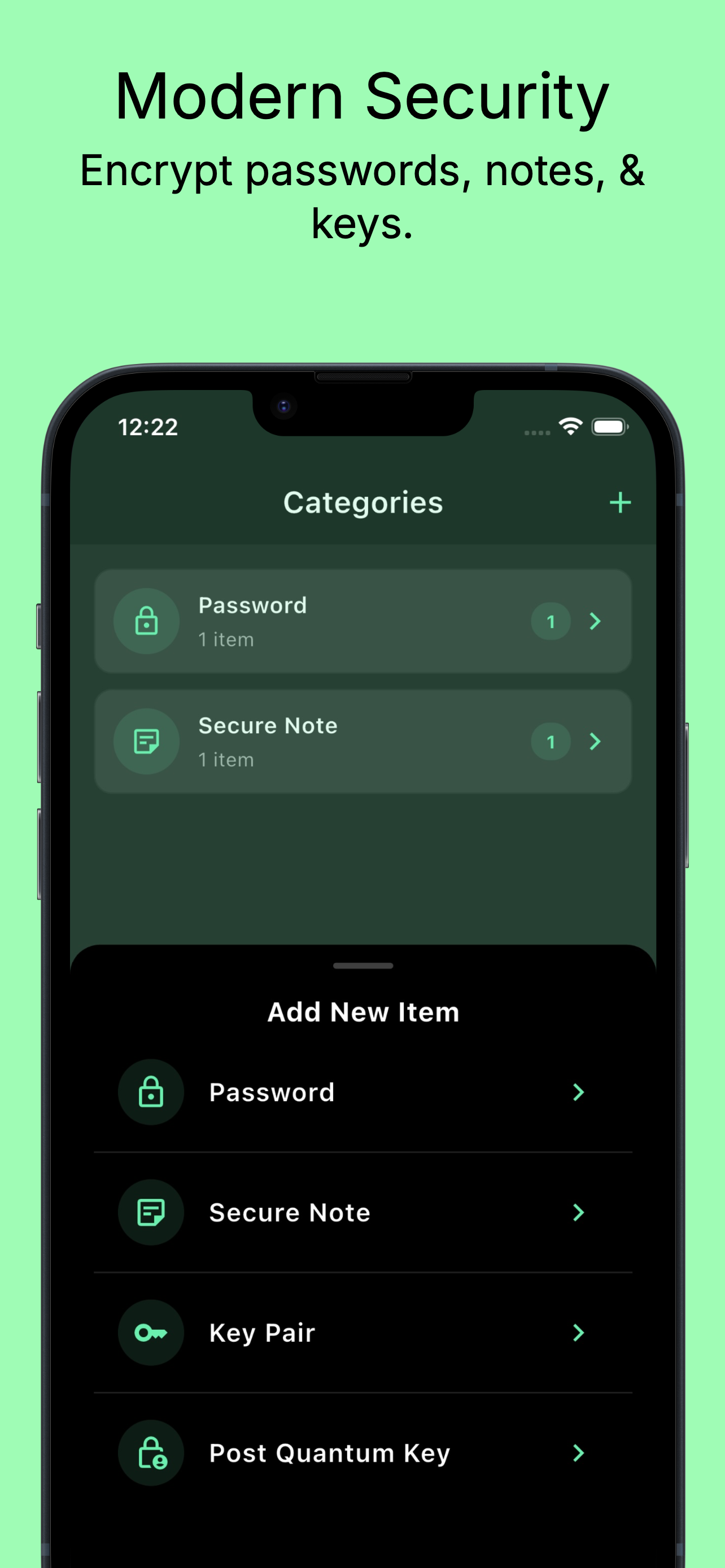
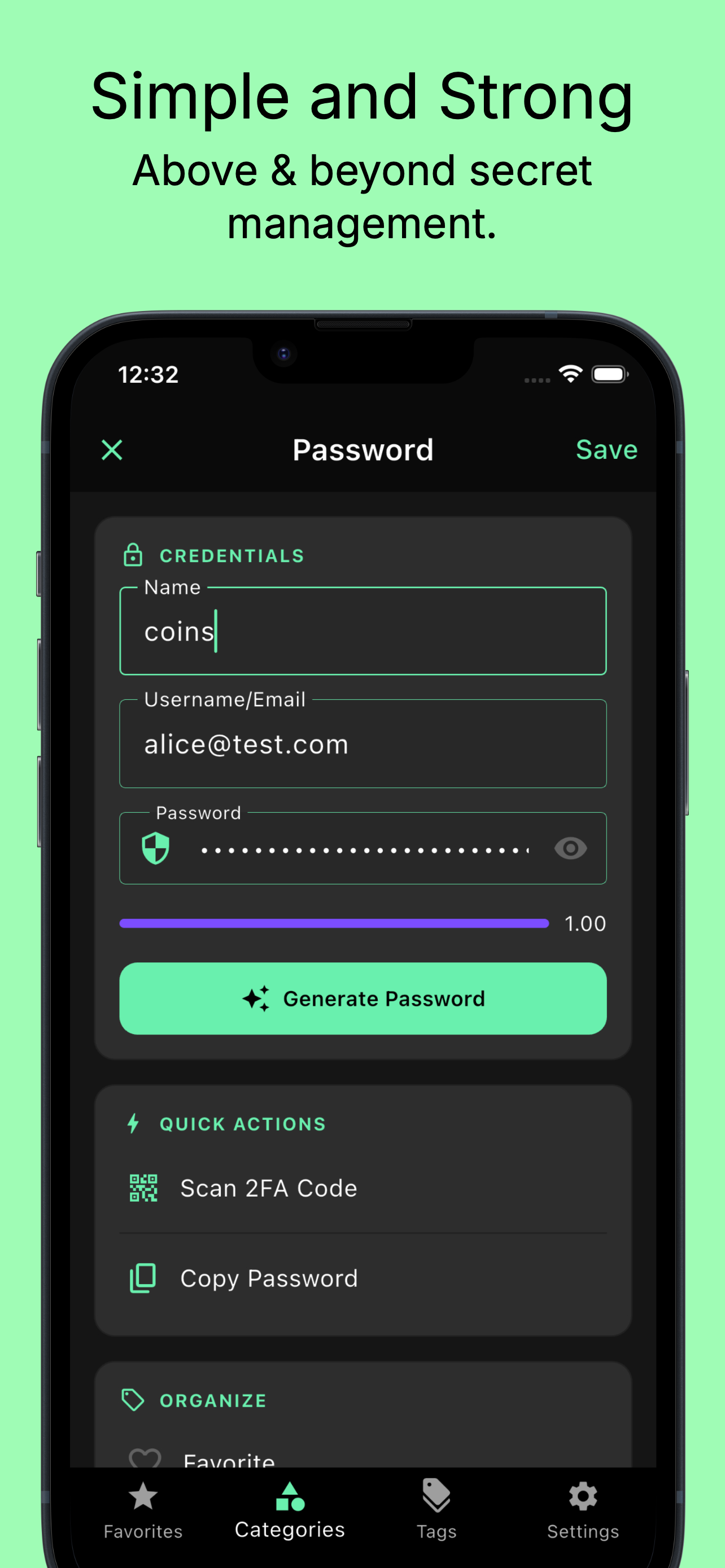
Everything worth protecting, in one place • Passwords • Secure notes • Two-factor (TOTP) codes — scan the QR code and get rotating codes right next to the password • Key pairs and post-quantum signing identities for advanced users • Tags, favorites, and categories, so a large vault stays navigable
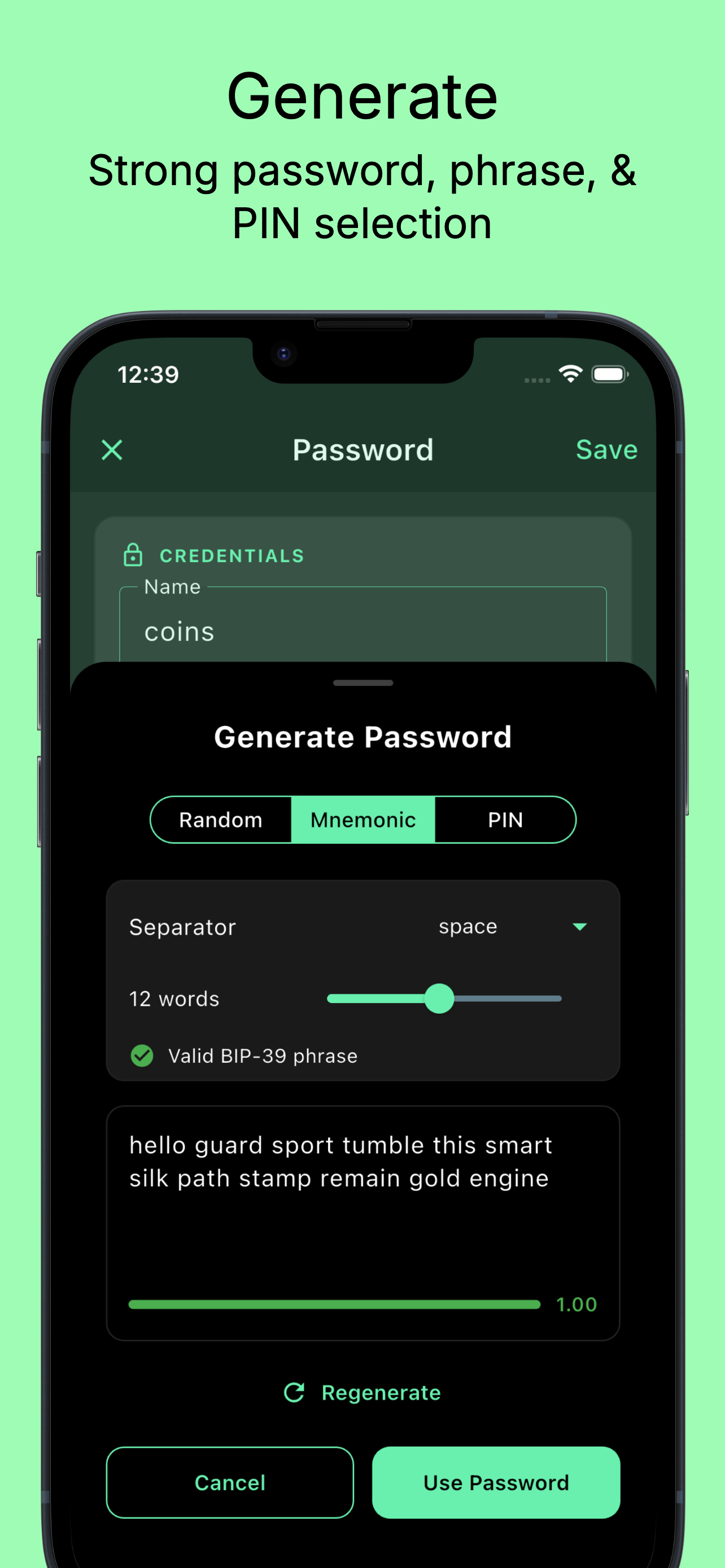
Passwords worth using The built-in generator makes random passwords to whatever length and character mix a site demands, PINs of any length, and memorable passphrases with a live strength meter — so you can pick something strong.
Reliable Backups Create an encrypted backup on your device (or an SD card on Android) and restore it whenever you need to (provided your phone backup settings are enabled). Backups are authenticated, so tampering is detected rather than silently restored. For extra protection, a hardened backup can be locked with a second passphrase separate from your master password.
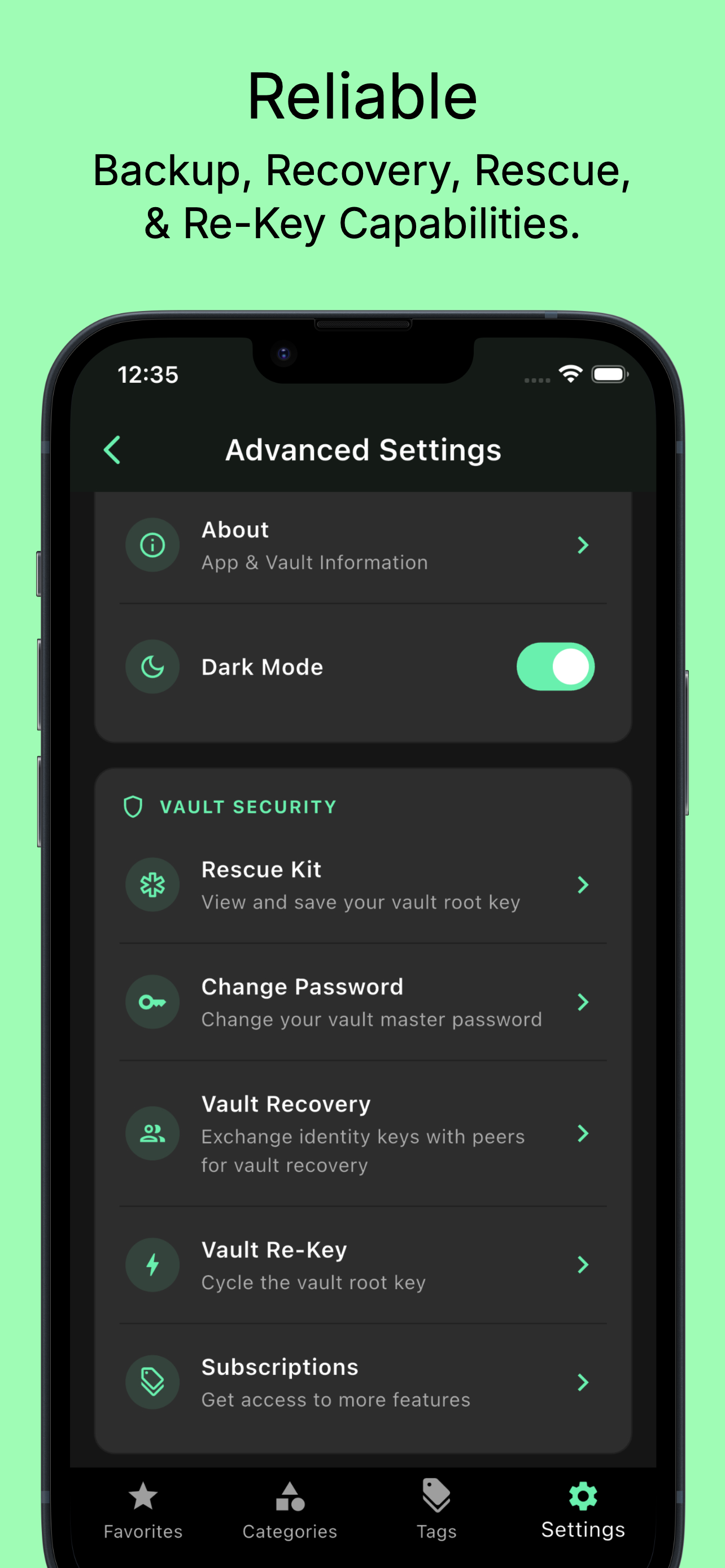
Recovery, without a support ticket Because no one else holds your key, Pyramidion gives you real ways back in: a Rescue Kit — your vault's root key as a written phrase and QR code — and peer recovery, where you exchange identity keys with someone you trust so they can help you unlock your vault or a backup later.
Built for longevity Rotate your vault's root key at any time and re-encrypt everything under a new one. A key-health indicator tells you when it's time. Change your master password without rebuilding your vault.
What Pyramidion doesn't do No account. No ad networks. No vault upload. The only network Pyramidion uses is the App Store's own purchase service, for subscriptions.
Free to use for your everyday vault. A subscription gives you access to peer recovery, vault re-keying, post-quantum keys, and hardened backups.

Documentation, Specs, and Protocols